
Views
The individual screens and pages Uchi renders are divided into a set of views:
- Edit
- Index
- New
- Show
These map to the actions (and views) you know from standard Rails CRUD controllers. In Uchi the views are shared across all repositories, meaning it’s the same view template that renders the show page for all records.
In code each view is represented as a Uchi::View instance. Each instance is available as a constant, e.g. Uchi::View::NEW etc.
| View | Constant |
|---|---|
| Edit | Uchi::View::EDIT |
| Index | Uchi::View::INDEX |
| New | Uchi::View::NEW |
| Show | Uchi::View::SHOW |
In addition to these we have a few shorthands:
| Constant | Description |
|---|---|
Uchi::View::ALL |
An Array with all the views |
Uchi::View::FORM |
An Array with views with form fields [Uchi::View::EDIT, Uchi::View::NEW] |
You can use these when defining field visibility:
Field::Text.new(:slogan).on([Uchi::View::EDIT, Uchi::View::NEW])
Edit
The page where you edit the record in a repository.
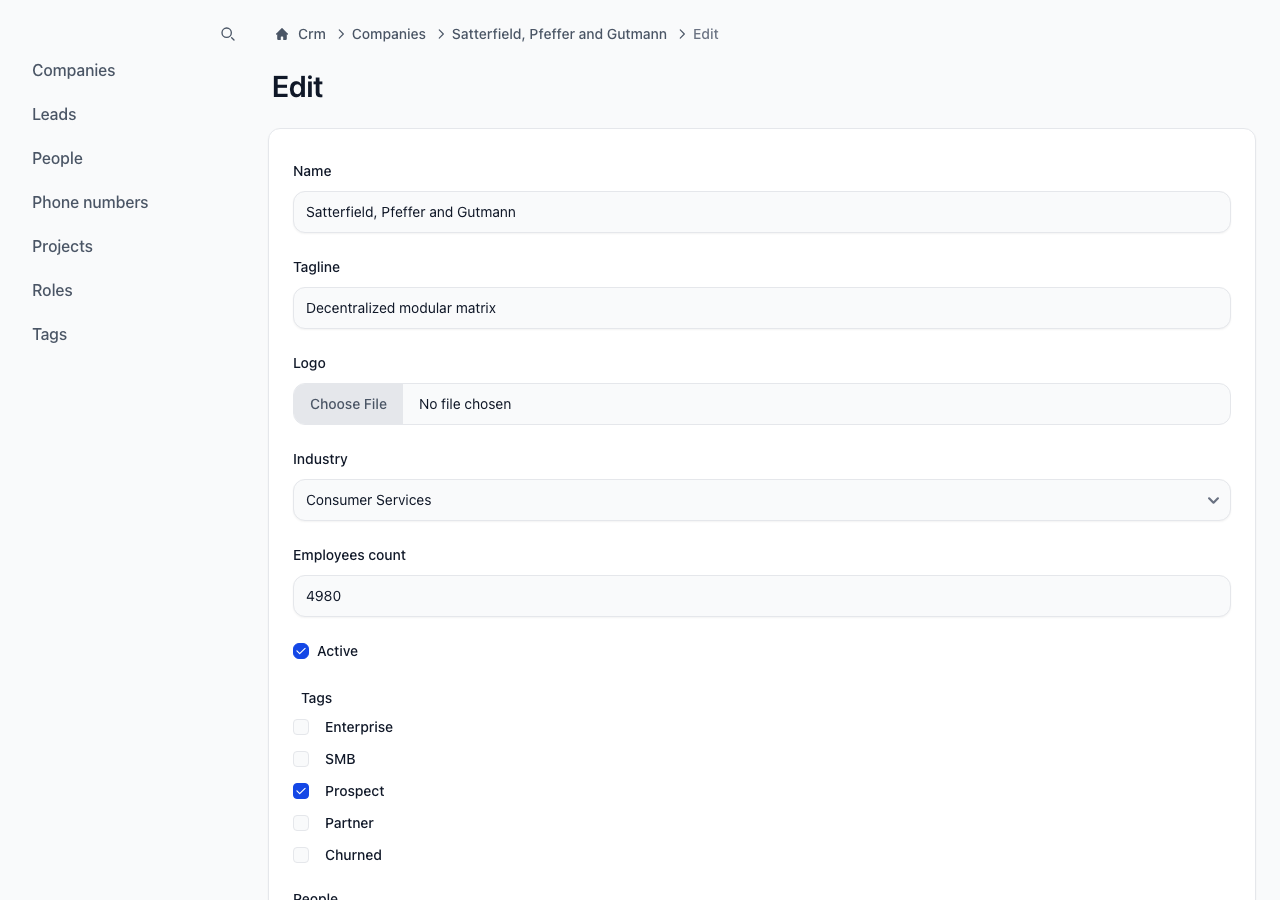
view = Uchi::View::EDIT
view.name #=> :edit
view.edit? #=> true
Index
The homepage for each repository, listing the first page of records.
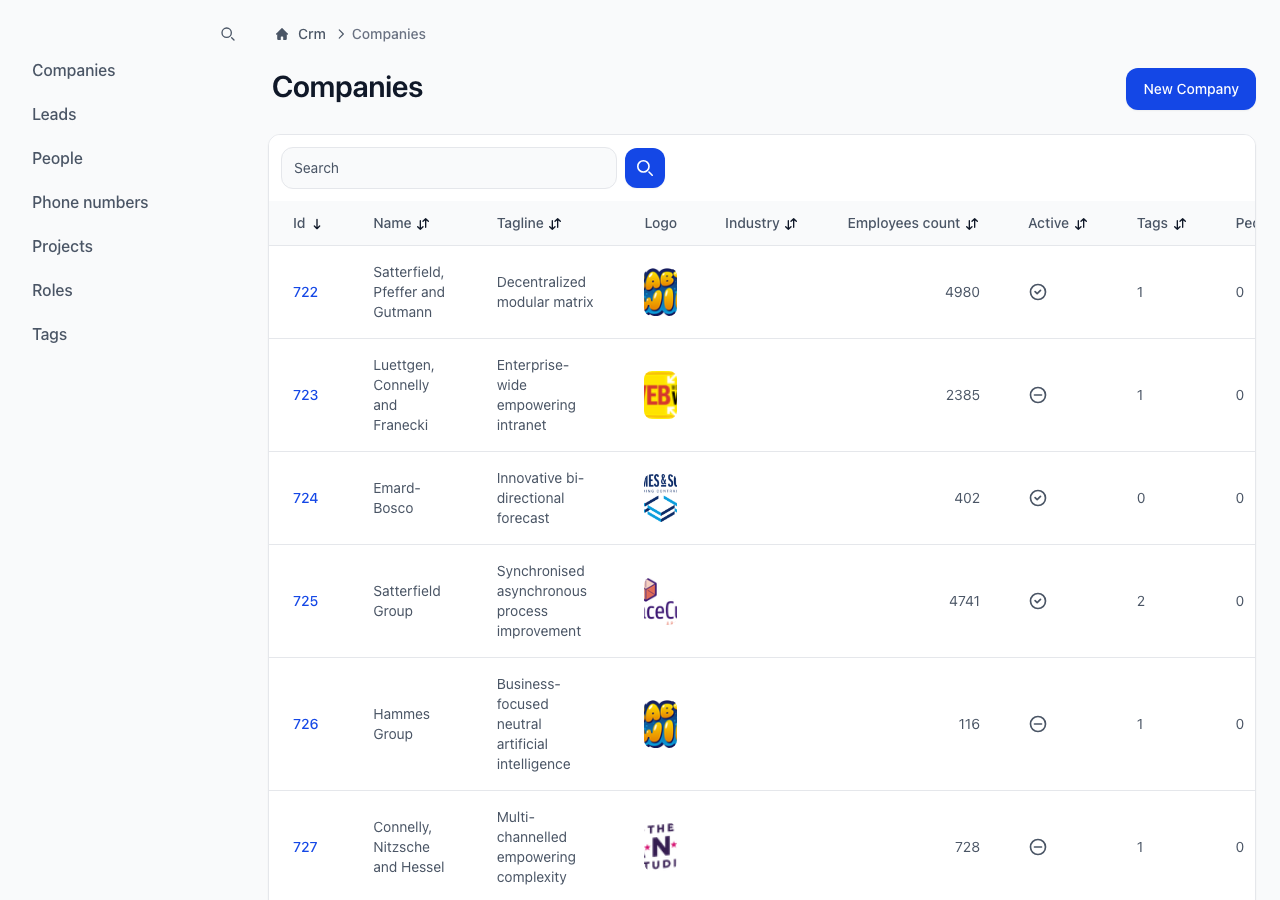
view = Uchi::View::INDEX
view.name #=> :index
view.index? #=> true
New
A page to add new records to a repository.
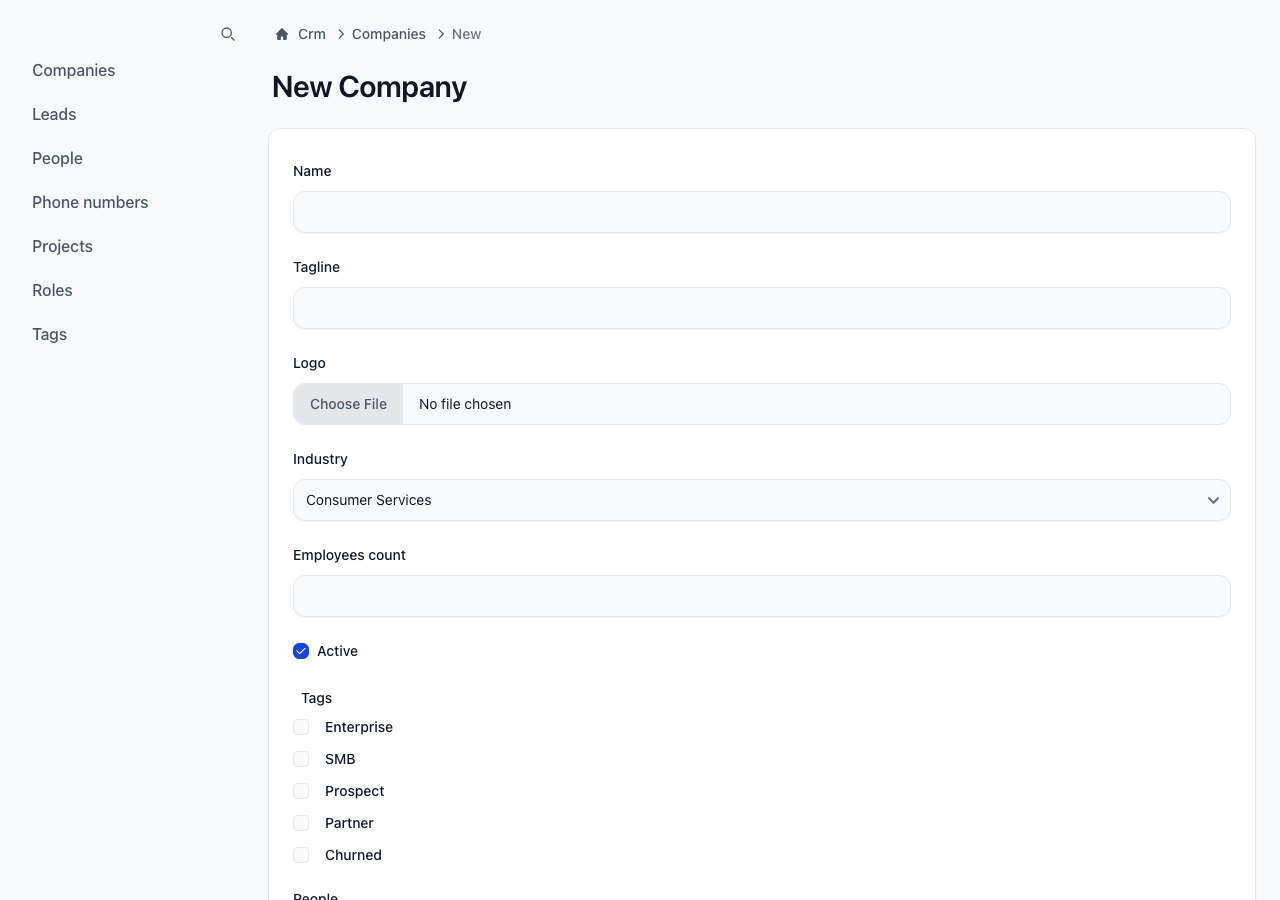
view = Uchi::View::NEW
view.name #=> :new
view.new? #=> true
Show
A page dedicated to showing the details of a record.
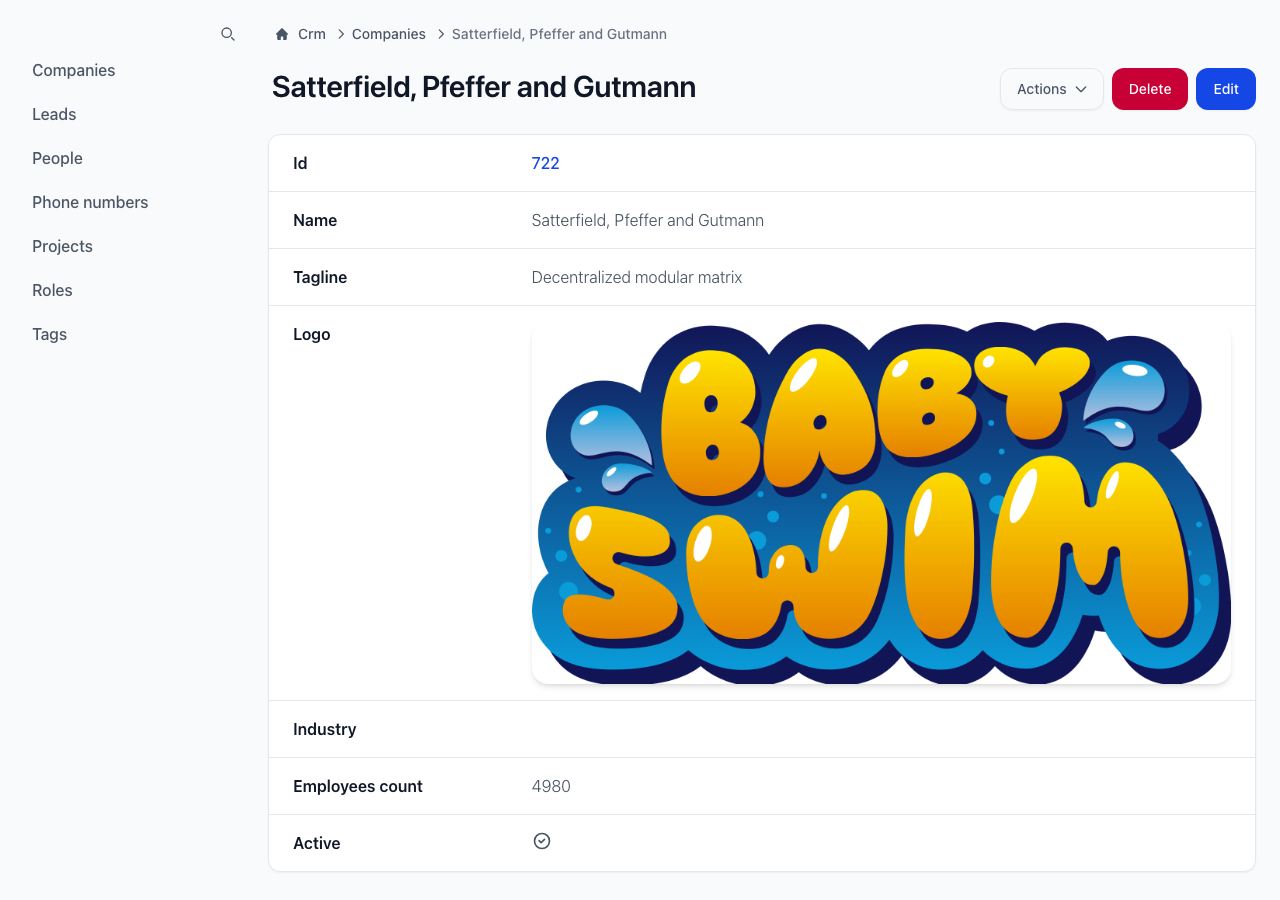
view = Uchi::View::SHOW
view.name #=> :show
view.show? #=> true